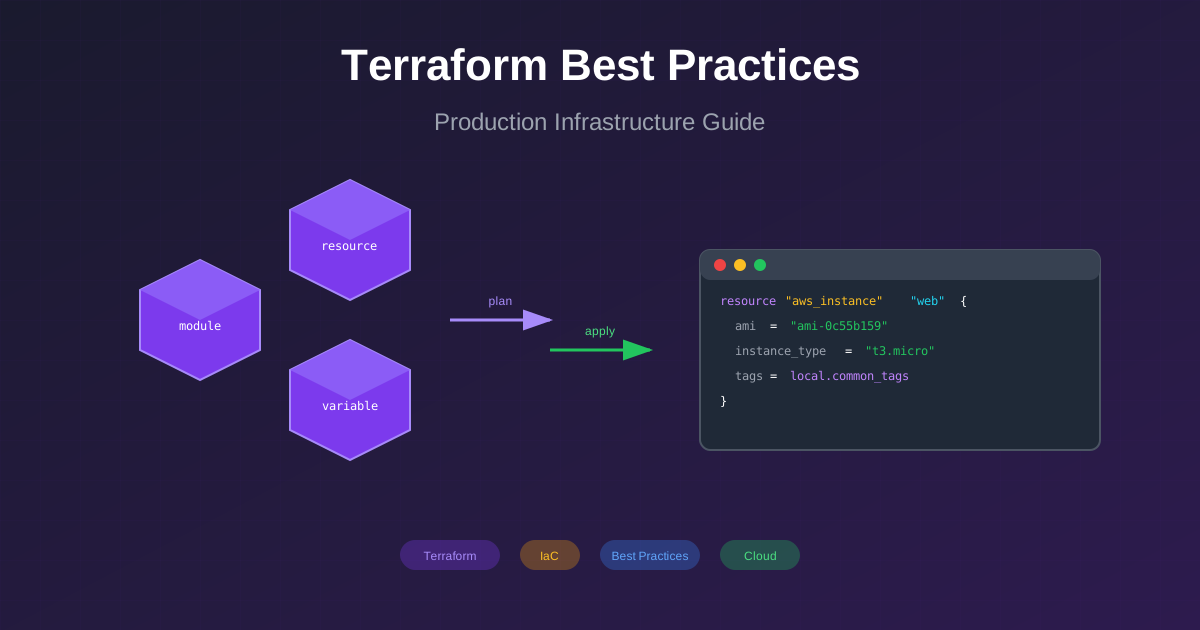
After managing Terraform codebases across multiple organizations and cloud providers, I’ve compiled these battle-tested best practices. Whether you’re starting fresh or refactoring existing infrastructure, these patterns will help you build maintainable, scalable IaC.
# modules/vpc/outputs.tf
output"vpc_id" {
description="The ID of the VPC" value=aws_vpc.main.id}
output"private_subnet_ids" {
description="List of private subnet IDs" value=aws_subnet.private[*].id}
output"public_subnet_ids" {
description="List of public subnet IDs" value=aws_subnet.public[*].id}# Always output enough for dependent modules
output"vpc_cidr_block" {
description="The CIDR block of the VPC" value=aws_vpc.main.cidr_block}
# AWS S3 backend with DynamoDB locking
terraform {
backend"s3" {
bucket="company-terraform-state" key="prod/infrastructure.tfstate" region="us-east-1" encrypt=true dynamodb_table="terraform-state-lock" # Use IAM role for access
role_arn="arn:aws:iam::123456789:role/TerraformStateAccess" }
}
variable"environment" {
description="Deployment environment" type=stringvalidation {
condition=contains(["dev", "staging", "prod"],var.environment) error_message="Environment must be dev, staging, or prod." }
}
variable"instance_count" {
description="Number of instances to create" type=numbervalidation {
condition= var.instance_count > 0 && var.instance_count <=100 error_message="Instance count must be between 1 and 100." }
}
# Bad: Hardcoded secret
resource"aws_db_instance" "bad" {
password="supersecretpassword" # NEVER do this
}# Good: Use data sources or variables
data"aws_secretsmanager_secret_version" "db_password" {
secret_id="prod/database/password"}
resource"aws_db_instance" "good" {
password=data.aws_secretsmanager_secret_version.db_password.secret_string}
# Use environment variables or managed identities
provider"azurerm" {
features {} # Uses AZURE_* environment variables
# Or Azure Managed Identity when running in Azure
}
provider"aws" {
region=var.aws_region # Uses AWS_* environment variables
# Or IAM role when running in AWS
}
# Format codeterraform fmt -recursive
# Validate configurationterraform validate
# Plan with variable fileterraform plan -var-file=prod.tfvars -out=plan.tfplan
# Apply saved planterraform apply plan.tfplan
# Import existing resourceterraform import aws_vpc.main vpc-12345
# Show stateterraform state list
terraform state show aws_vpc.main
# Move stateterraform state mv aws_vpc.old aws_vpc.new
# Taint for recreationterraform taint aws_instance.web
# Output in JSONterraform output -json
Following these best practices will help you build maintainable, secure, and scalable infrastructure. Start with a solid foundation, and iterate as your needs evolve.