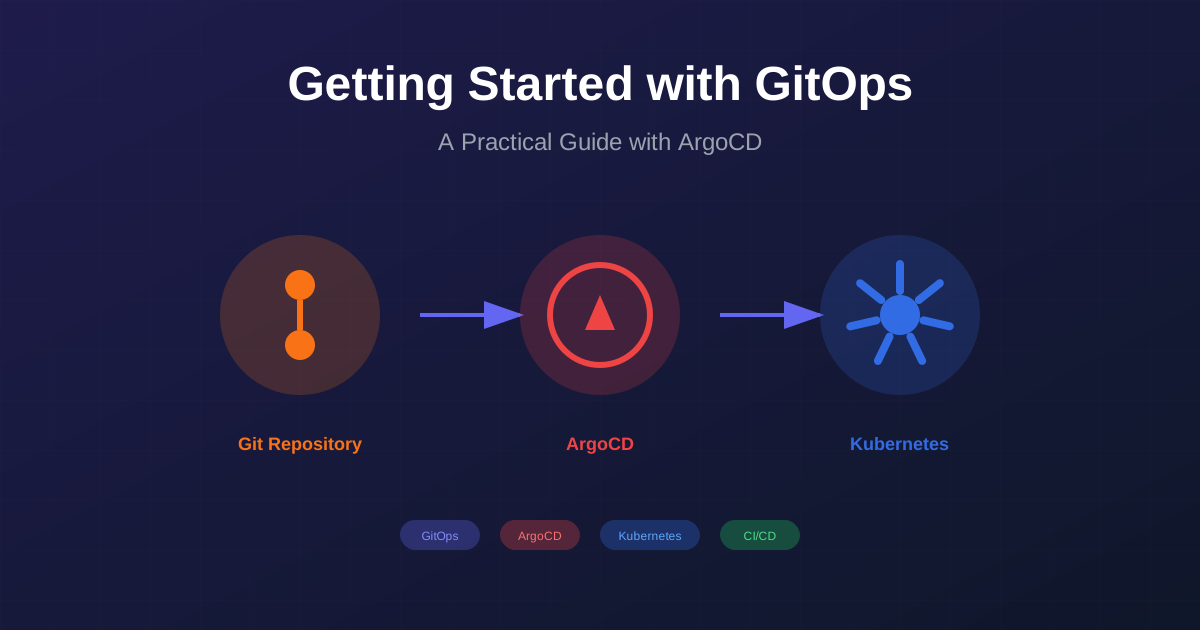
What is GitOps?# GitOps is a modern approach to continuous deployment that uses Git as the single source of truth for declarative infrastructure and applications. Coined by Weaveworks in 2017, GitOps extends the principles of Infrastructure as Code (IaC) to the entire deployment lifecycle.
Core Principles# Declarative Configuration - The entire system is described declarativelyVersion Controlled - The desired state is stored in GitAutomated Delivery - Approved changes are automatically appliedContinuous Reconciliation - Agents ensure actual state matches desired stateWhy GitOps?# Traditional deployment approaches often suffer from several challenges:
Challenge Traditional Approach GitOps Approach Audit Trail Manual tracking Git history Rollback Complex scripts git revertConfiguration Drift Common Auto-healed Access Control Multiple systems Git permissions Collaboration Varies Pull requests
GitOps Architecture# ┌ │ └ ┌ │ │ └ ─ ─ ─ ─ ─ ─ ─ ─ ─ ─ ─ ─ ─ ─ ─ C ( ─ ─ ─ ─ o m ─ ─ ─ ─ d a ─ ─ ─ ─ e n ─ ─ ─ ─ i ─ ─ ─ ─ C f ─ ─ ─ ─ h e ─ ─ ─ ─ a s ─ ─ ─ ─ n t ─ ─ ─ ─ g ) ─ ─ ─ ─ e ─ ─ ─ ─ ─ ─ ─ ─ ─ ─ ─ ─ ─ ─ ─ ┐ │ │ ┘ ─ ─ ─ ─ ─ ─ ┌ │ │ │ └ ┌ │ │ └ ┌ │ │ └ ─ ─ ─ ─ ─ ─ ─ ─ ─ ─ D ─ ─ ─ ─ ─ ─ ─ ─ ─ e ─ ► ─ ─ ─ ─ ─ ─ ─ v ─ ┌ │ │ └ ─ G ( ─ ─ G ( ─ ─ K C ─ ─ e ─ ─ ─ ─ i s t ─ ─ i A ─ ─ u l ─ ─ l ─ ─ ─ ─ t o r ─ ─ t r ─ ─ b u ─ ─ o ─ ─ ─ ─ u u ─ ─ O g ─ ─ e s ─ ─ p ─ ─ P ( ─ ─ R r t ─ ─ p o ─ ─ r t ─ ─ e ─ ─ u r ─ ─ e c h ─ ─ s C ─ ─ n e ─ ─ r ─ │ ▼ ─ l e ─ │ ▼ ─ p e ) ─ │ ▼ ─ D ─ │ ▼ ─ e r ─ ─ ─ ─ l v ─ ─ o ─ ─ A ) ─ ─ t ─ ─ W ─ ─ i ─ ( ─ s o ─ ( ─ g ─ ( ─ e ─ ─ o ─ ─ R e ─ m ─ i f ─ w ─ e ─ s ─ s ─ ─ r ─ ─ e w ─ e ─ t ─ a ─ n ─ y ─ ─ ─ k ─ ─ q ) ─ r ─ o ─ t ─ t ─ n ─ ─ ─ f ─ ─ u ─ g ─ r ─ c ─ ─ c ─ ─ ─ l ─ ─ e ─ e ─ y ─ h ─ ─ ) ─ ─ ─ o ─ ─ s ─ ) ┐ │ │ ┘ ) ┐ │ ┘ ┐ │ │ ┘ ─ w ─ ─ t ─ │ │ ─ ─ ─ ─ ─ ─ ─ ─ ─ ─ ┐ │ │ ┘ ─ ─ ─ ─ ─ ─ ─ ─ ─ ─ ─ ─ ─ ─ ─ ─ ─ ─ ─ ─ ─ ─ ─ ─ ─ ─ ─ ─ ─ ─ ─ ─ ─ ─ ─ ─ ─ ─ ┐ ┘ │
Setting Up ArgoCD# Step 1: Install ArgoCD# 1
2
3
4
5
6
7
8
# Create namespace
kubectl create namespace argocd
# Install ArgoCD
kubectl apply -n argocd -f https://raw.githubusercontent.com/argoproj/argo-cd/stable/manifests/install.yaml
# Wait for pods to be ready
kubectl wait --for= condition = Ready pods --all -n argocd --timeout= 300s
Step 2: Access the UI# 1
2
3
4
5
6
# Port forward the ArgoCD server
kubectl port-forward svc/argocd-server -n argocd 8080:443
# Get the initial admin password
kubectl -n argocd get secret argocd-initial-admin-secret \
jsonpath = "{.data.password}" | base64 -d
Step 3: Connect Your Repository# 1
2
3
4
5
6
7
# Login to ArgoCD CLI
argocd login localhost:8080
# Add your Git repository
argocd repo add https://github.com/your-org/your-gitops-repo.git \
\
Step 4: Create an Application# 1
2
3
4
5
6
7
8
9
10
11
12
13
14
15
16
17
18
19
20
apiVersion : argoproj.io/v1alpha1
kind : Application
metadata :
name : my-application
namespace : argocd
spec :
project : default
source :
repoURL : https://github.com/your-org/your-gitops-repo.git
targetRevision : HEAD
path : apps/my-application
destination :
server : https://kubernetes.default.svc
namespace : production
syncPolicy :
automated :
prune : true
selfHeal : true
syncOptions :
- CreateNamespace=true
Best Practices# 1. Repository Structure# Use a clear, organized repository structure:
g ├ │ │ │ │ │ │ │ │ │ │ ├ │ │ │ └ i ─ ─ ─ t ─ ─ ─ o p a ├ │ │ │ │ │ │ │ │ └ i ├ ├ └ a └ s p ─ ─ n ─ ─ ─ r ─ - p ─ ─ f ─ ─ ─ g ─ r s r o e / a ├ │ │ │ └ a a c i m c a p p ─ ─ p s e n o d p o p ─ ─ p t r g n / p / - - r t r i l a b ├ ├ └ ├ ├ └ b u - e t i / a ─ ─ ─ v ─ ─ ─ / c m s o c s ─ ─ ─ e ─ ─ ─ t a s r a e r u n - i t / d s k l d s p r a n n i e e u a e t r e g g g o p r s y v a o / e i / n l v t s g d r n s o i o i / / x / y c m n / m e i g e . z / n y a t a t . m i y l o a n m . l y a m l Promote changes through environments using automated or manual approval:
1
2
3
4
5
6
7
8
9
10
11
12
# Using Kustomize overlays for environment-specific config
apiVersion : kustomize.config.k8s.io/v1beta1
kind : Kustomization
namespace : production
resources :
- ../../base
patchesStrategicMerge :
- replica-count.yaml
- resource-limits.yaml
images :
- name : my-app
newTag : v1.2.3
3. Secrets Management# Never store secrets in Git! Use one of these approaches:
1
2
3
4
5
6
7
8
9
10
11
12
13
14
15
16
17
18
19
20
21
22
23
24
# Option 1: Sealed Secrets
apiVersion : bitnami.com/v1alpha1
kind : SealedSecret
metadata :
name : my-secret
spec :
encryptedData :
password : AgBy8hCi...
# Option 2: External Secrets Operator
apiVersion : external-secrets.io/v1beta1
kind : ExternalSecret
metadata :
name : my-secret
spec :
secretStoreRef :
name : azure-keyvault
kind : ClusterSecretStore
target :
name : my-secret
data :
- secretKey : password
remoteRef :
key : my-app-password
Common Pitfalls to Avoid# Storing secrets in Git - Use Sealed Secrets or External SecretsNot using Kustomize/Helm - Avoid duplicating manifests across environmentsToo many repositories - Balance between mono-repo and poly-repoIgnoring drift detection - Monitor for manual changesNo rollback strategy - Document and test rollback proceduresConclusion# GitOps transforms how we deploy and manage applications by leveraging Git’s power for change management, collaboration, and audit trails. Start small with a single application and gradually expand your GitOps practice.
Next Steps# Have questions about GitOps? Contact me or leave a comment below!